


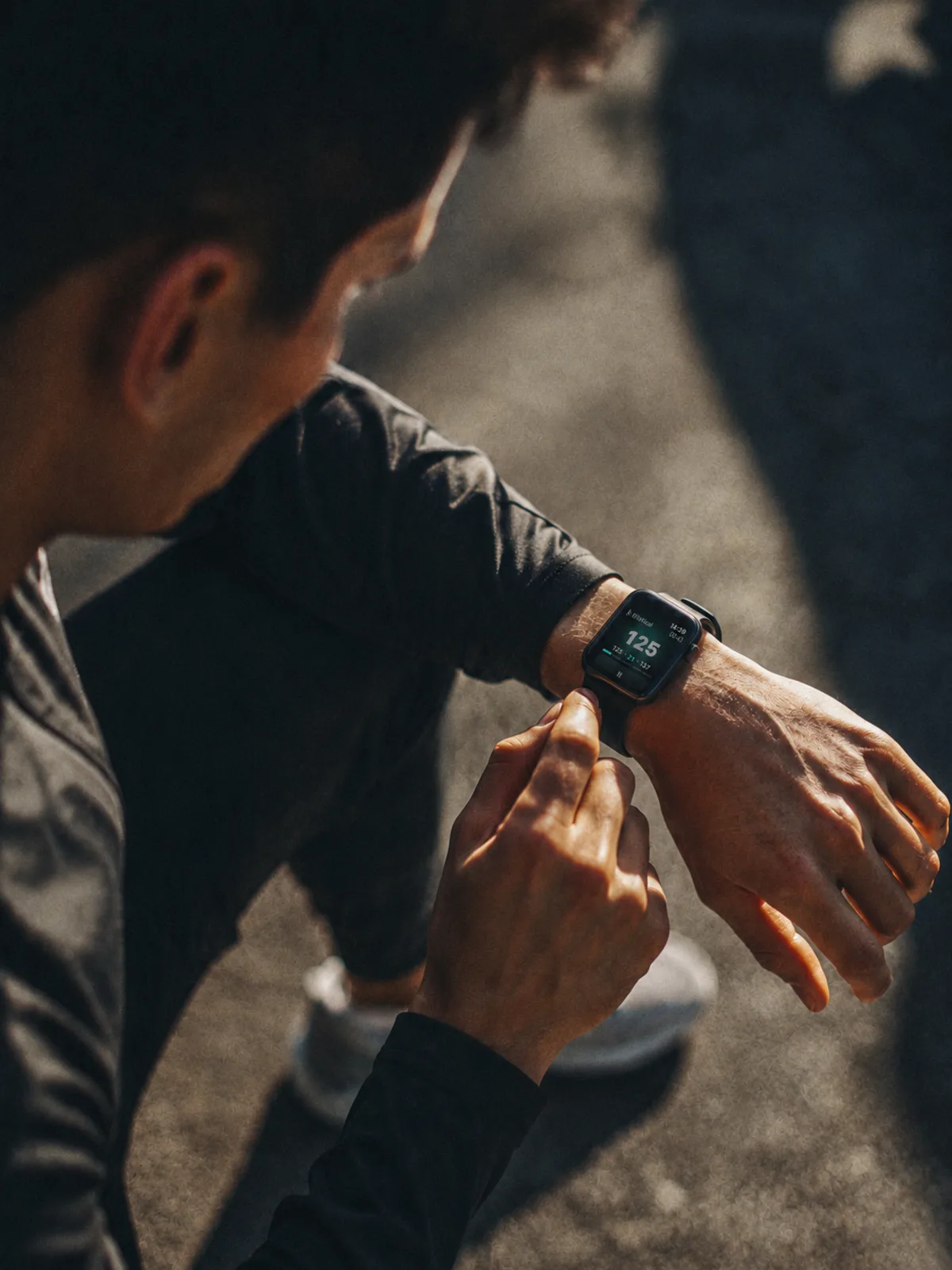
The number that never disappears
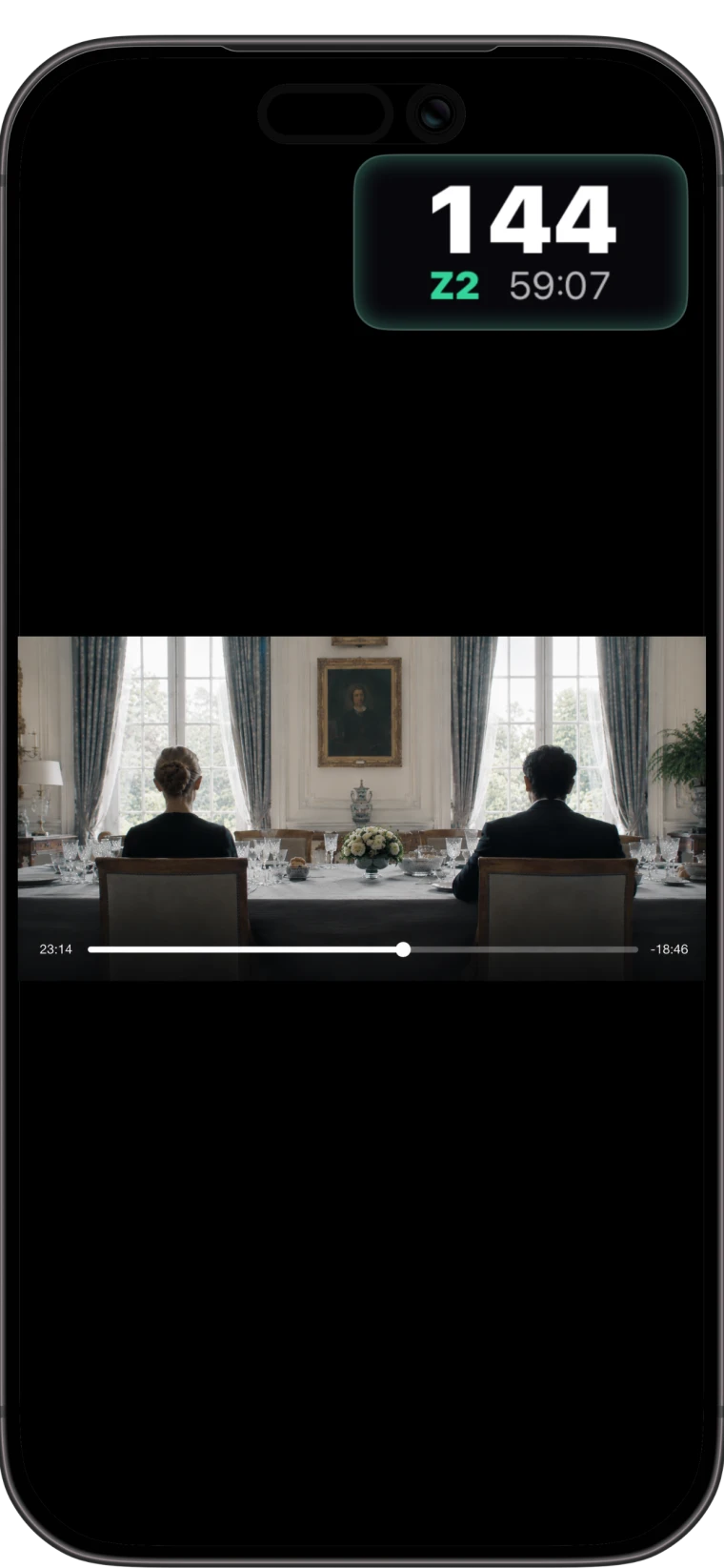
Open music, check a message, follow a workout video, and on other apps your heart rate is gone. Zonas floats a small overlay over anything, so your effort stays in view.
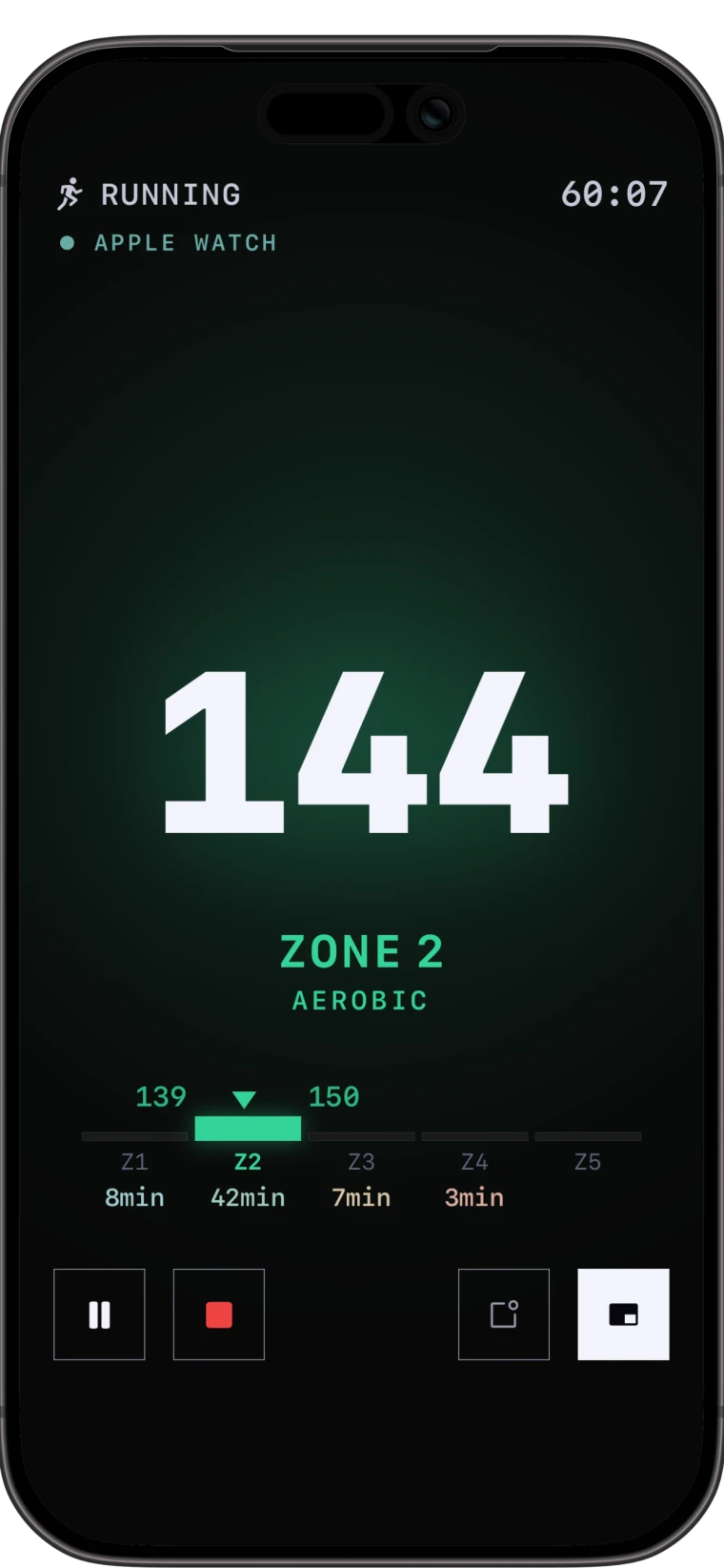
How Picture-in-Picture worksYour live zone stays on the Lock Screen, in the Dynamic Island, and floating over any app. Put your phone away and still know your effort at a glance.
Free for 7 days. Cancel anytime. Private by design. No account, no tracking.
Keep your live zone visible over any app.
Calculator Run your numbers in the browser with the same math the app uses.
Open
Science Five plain labels, and why Zonas calculates them the way it does.
Read
Guide The Picture-in-Picture overlay that stays visible over other apps.
Read
Devices Bluetooth chest straps, arm bands, and Apple Watch.
BrowseOpen music, check a message, follow a workout video, and on other apps your heart rate is gone. Zonas floats a small overlay over anything, so your effort stays in view.
How Picture-in-Picture worksLive Activities update your zone in real time. On Dynamic Island iPhones it sits at the top of the screen while you do anything else. Glance down, read it, move on.
See the always-on surfacesHeart rate reserve (Karvonen) when it knows your resting rate, percent of max when it does not, with max estimated by the Tanaka formula. It never invents data it does not have.
Read the methodologyA plain explanation of Zonas heart rate zones, how the five labels work, and why weekly cardio goals use a separate moderate/vigorous model.
Read ScienceThe full Zonas zone decision tree: max heart rate, resting heart rate, Karvonen, percent-HRmax fallback, custom boundaries, and weekly goals.
Read ScienceHow Zonas chooses maximum heart rate, why the app uses the Tanaka fallback, and when a custom max heart rate is better.
Read ScienceHow Zonas reads resting heart rate from Apple Health, why it uses a 14-day median, and what happens when resting heart rate is missing.
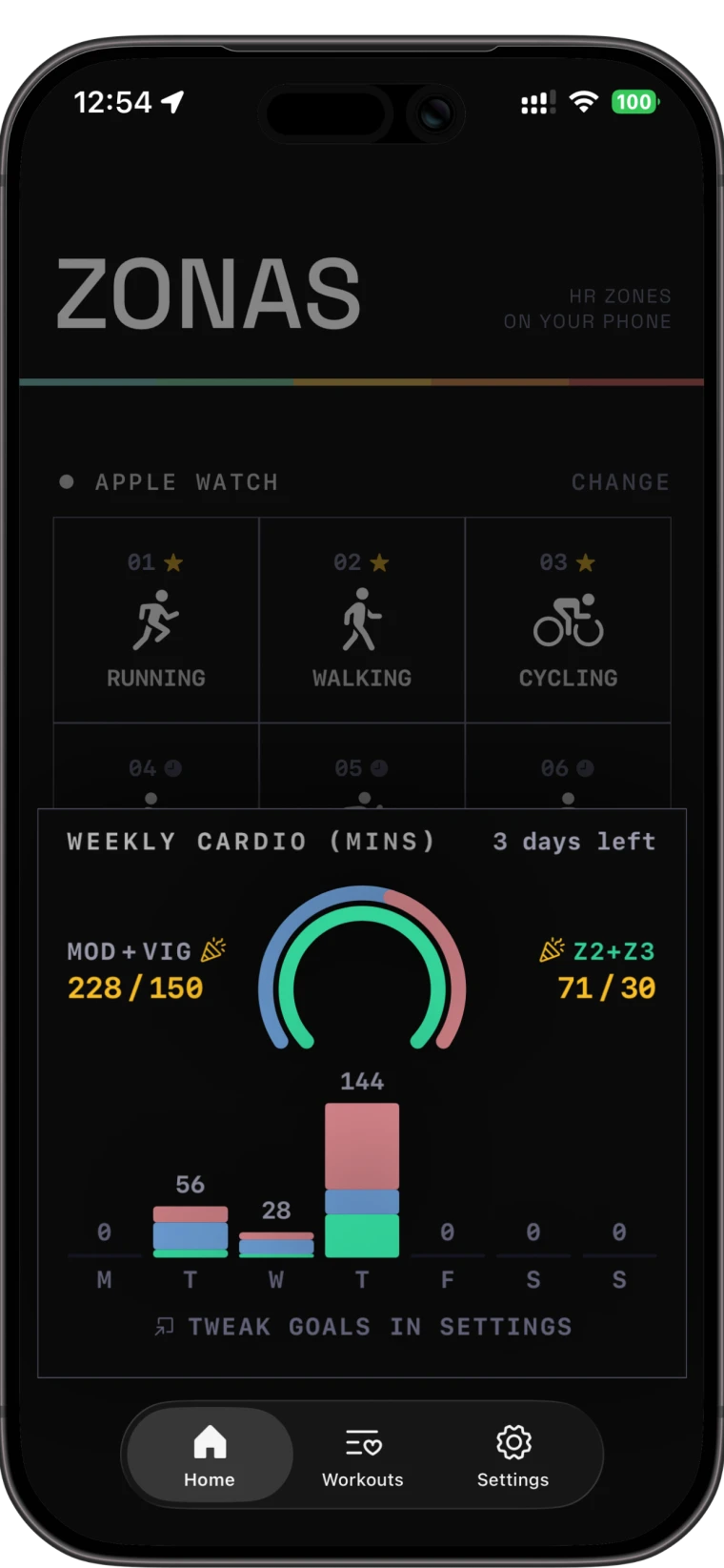
Read ScienceHow Zonas separates workout zones from weekly moderate-equivalent cardio goals based on WHO and CDC-style guidance.
Read ScienceThe three zone modes Zonas supports: Karvonen heart rate reserve, percent of max heart rate fallback, and custom boundaries.
ReadThe method behind the Zonas heart rate zone calculator, including Tanaka max HR, Karvonen zones, percent-HRmax fallback, and Swift-matching rounding.
Open CalculatorThe Zonas max heart rate calculator method: Tanaka HRmax, Swift-style truncation, custom overrides, and why max heart rate is only an estimate.
Open CalculatorHow the Zonas target heart rate calculator uses Karvonen heart rate reserve to turn max heart rate, resting heart rate, and intensity into BPM.
Open CalculatorThe method behind the Zonas weekly cardio minutes calculator: moderate minutes plus two times vigorous minutes, compared with 150 and 300 minute targets.
OpenZone math follows established formulas, with truncation that matches the app to the beat.
Weekly cardio uses 150–300 moderate-equivalent minutes, the way public-health guidance is written.
Every calculation runs locally. No server reads your heart rate to make any of this work.
A Bluetooth chest strap Zonas reads directly.
Set up Chest strapA Bluetooth chest strap Zonas reads directly.
Set up Apple WatchStart on your wrist and mirror heart rate to iPhone.
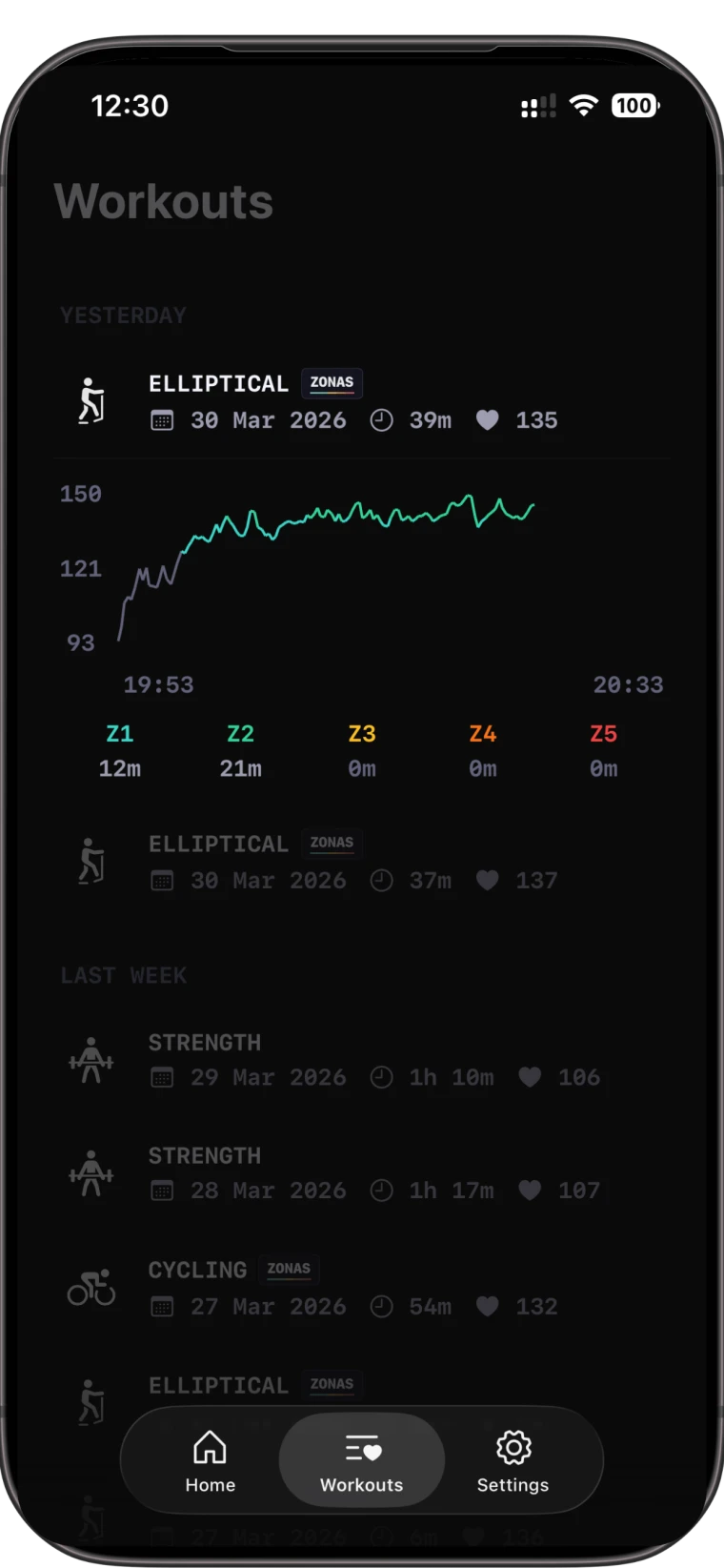
Set upYour heart rate and workouts stay in Apple Health on your device. No server for your health data, no analytics, no login. Payments go through Apple. It is how the app is built, not a feature bolted on.
Read the privacy policyZonas is an iOS 26 app for iPhone, with an Apple Watch companion.
Download on the App Store